
If your Hanoi Metro monthly pass reaches the exit gate with no tap-in record, take that pass or its exact digital credential to Customer Service. The destination gate cannot recognize the journey as valid without the entry record. Staff will check the pass history and help open the gate. This recovery rule is specifically for a monthly pass, so do not apply it automatically to a paper single ticket, Visa or another fare medium. Keep the method used for the monthly pass available, do not force or follow someone through the barrier, and wait for staff instructions before starting another payment.
A missing tap-in means the system has no valid start for this monthly-pass journey. It is different from entering correctly with Visa and forgetting to tap out, traveling beyond a station selected on a single ticket, or presenting an expired pass.

Show the monthly pass at Customer Service
Move out of the gate flow and go to the station Customer Service counter. Present the actual monthly pass used for the trip. Give the entry station, approximate entry time, destination and any staff assistance or gate message you saw.
If your monthly pass is digital, keep the phone and the exact QR or identity method ready. If it is a physical monthly card, present that card. Avoid switching to a different ticket or bank card before staff identifies the monthly-pass journey.
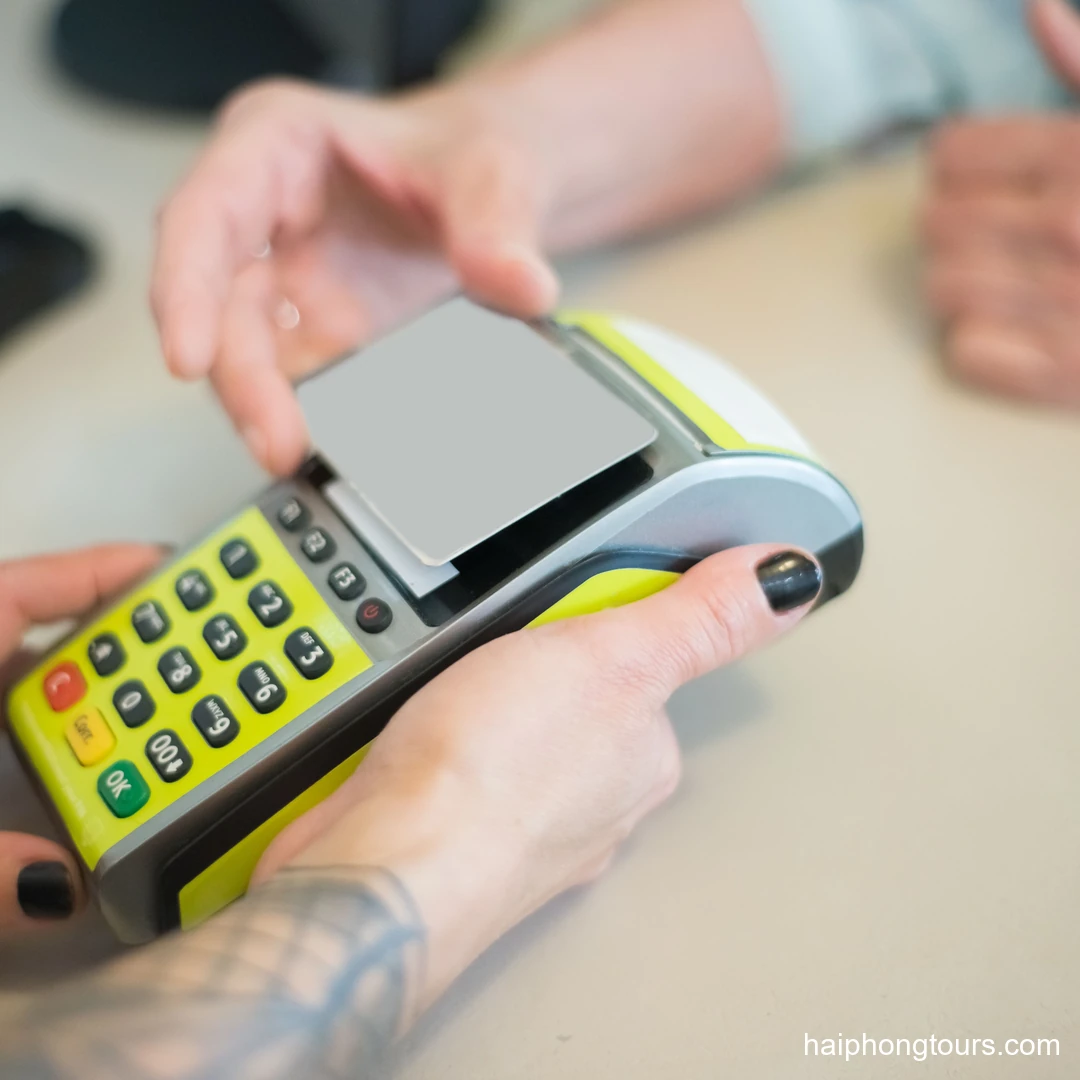
Use the same monthly method at both gates
For a normal monthly-pass trip, present the monthly card, QR or applicable chip identity at entry, then use the same method again at exit. Watch for the green-arrow lane and wait for the gate to open before walking through.
Keep the physical pass accessible for the whole ride. For a digital monthly pass, keep enough phone battery to show the active credential at the exit and to Customer Service if the journey record needs checking.
Check that you are using a monthly pass
This instruction applies to monthly and discounted monthly tickets across Hanoi Metro Line 2A Cat Linh – Ha Dong and the operating Line 3 Nhon – Cau Giay section.
If the fare product itself is unclear, show staff the active ticket screen or card and ask them to identify it before describing the error. The Hanoi Metro ticket payment guide is useful for choosing a future fare medium, but the immediate missing-entry record belongs at the station counter.
Protect a fixed onward connection
A history check and staff-assisted exit can take longer than a normal tap-out. Hai Phong Tours recommends clearing the gate issue before calling a driver to the station entrance or starting a timed transfer. The onward provider cannot inspect the metro record or open the gate.
After staff authorizes the exit, update the person meeting you with the actual delay and agreed station exit.

Prevent the same error on the next ride
At the next entry, use the correct monthly-pass method at a gate showing the green arrow. Hold or scan it as directed, wait for the opening confirmation, and then pass through. Do not assume that an already open barrier created a valid tap-in.
If the entry gate stays closed or shows an error, step aside and go to Customer Service before entering the paid area. For follow-up after leaving the station, Hanoi Metro lists hotline 1900 1086, but an active exit-gate problem is best handled by station staff with the pass in hand.