At Noi Bai, a ground-transport plan is ready only when the operating flight, terminal, live pickup point and next fixed deadline all agree. The immediate decision is to use the airport’s free Wi-Fi login flow to contact a driver when mobile data is unavailable. Do not let an old screenshot, a generic airport pin or a remembered column replace the travel-day check.

This guide treats T1/T2 movement and curbside pickup as a handoff problem, not as a route-number timetable. Confirm baggage, accessibility and group needs before moving away from the staffed terminal area, then set a cutoff for switching plans.
The airport fact that controls this decision
Noi Bai says free Wi-Fi is available in passenger service and seating areas at T1 and T2. Its published flow is to select the network, open the automatically displayed login page and choose Connect to the Internet.
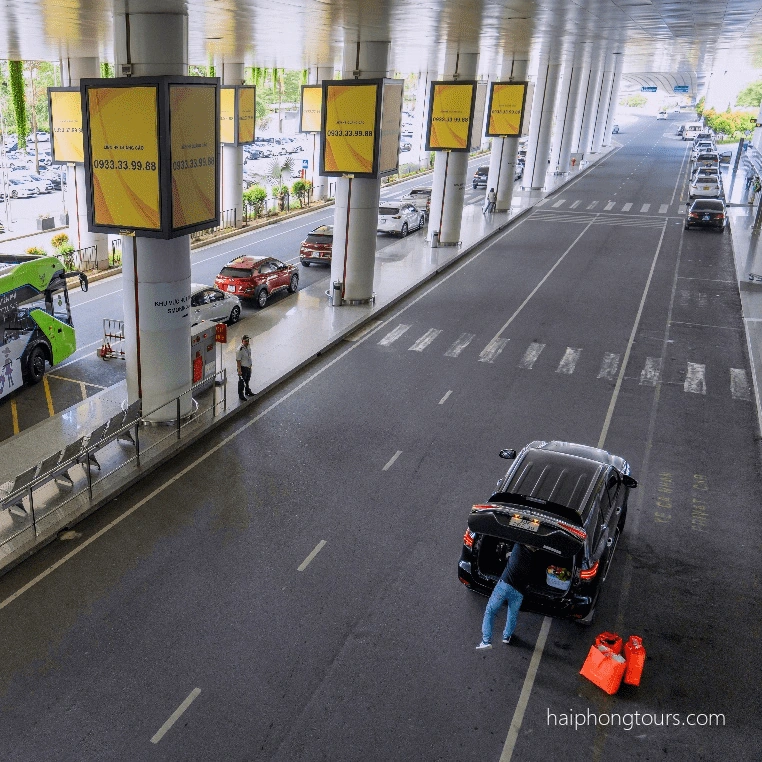
Use the airport network shown by current signage and avoid entering unnecessary payment or identity data into a lookalike portal. Keep the traveler in a visible passenger area while connecting. Terminal assignments, shuttle windows, pickup areas, transport availability and airline deadlines can change. The latest airport page, live signs, airport information staff and the operating airline take priority over an older article.
Build a complete handoff note
A useful note identifies the operating flight, T1 or T2, arrivals or departures, hall or wing, public level and the intended transport channel. Add lane or column only after it is verified on the day. Record the onward airline cutoff separately so nobody mistakes pickup time for check-in time.
- Enable Wi-Fi and select the airport network identified on site.
- Wait for the login page to open.
- Choose Connect to the Internet.
- Send terminal, hall or wing, level and current landmark.
- Save the driver’s plate and rematch message offline.
Send the same note to every traveler, driver or subgroup leader. When one field changes, replace the entire location message instead of adding a correction that may arrive out of order. Keep passports, phones and essential medication with the traveler rather than in a vehicle that may move first.
Calculate the real connection window
A messaging app may reconnect before ordinary calls work. Send one complete location message immediately instead of several fragments that can arrive out of order.
Recover without losing the traveler
If the portal does not load, toggle Wi-Fi once, open a browser and ask an information counter for help. Do not leave the terminal to chase a weak signal.
Keep the traveler at one safe, named location while the vehicle moves. If a group separates, each subgroup needs a responsible leader, documents, essential bags and the same destination landmark. Children and travelers requiring assistance should never be sent alone to search another lane.
Keep the scope accurate
This article does not guarantee uninterrupted Wi-Fi, support every messaging app or replace an offline meeting plan. It does not publish a password that may change.
Prepare the fallback before leaving the terminal
Use an information counter or Here to Help staff to contact the transport provider or anchor the traveler at a named indoor point.
Final same-day checklist
- The operating flight and current terminal are confirmed.
- The pickup point is verified from the latest notice, signs or airport staff.
- The shuttle or transport window is current.
- Baggage, accessibility and group handoffs are assigned.
- The airline or next fixed deadline is written down.
- A legal alternative and decision cutoff are ready.
Would you like help fitting this experience into your trip? Contact us with your travel dates, starting point, available time and group size. Tell us about walking limits or special interests so we can suggest a practical itinerary.