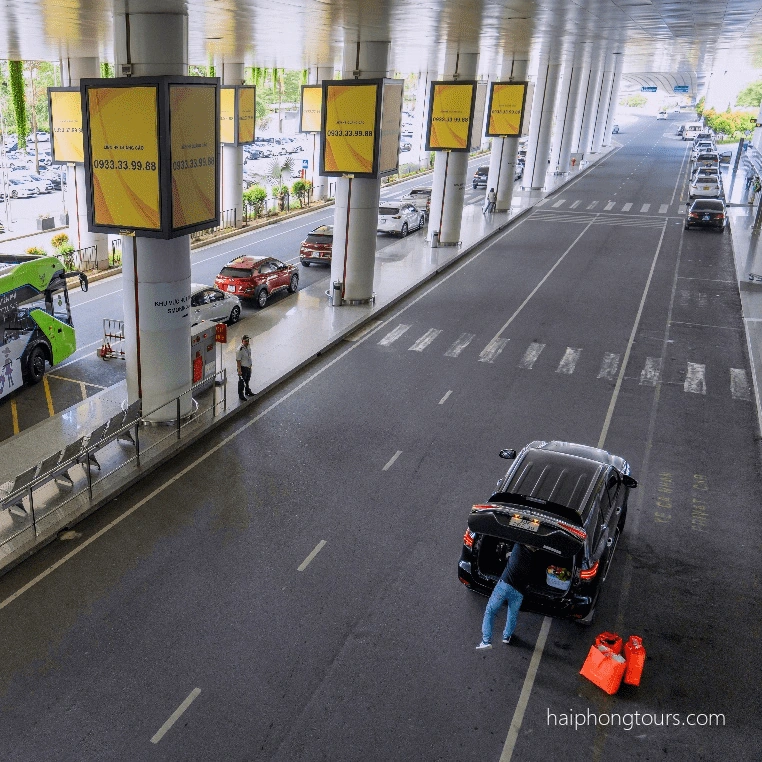
To begin Vietnam Airlines website check-in, enter the airline reservation code, also called the PNR, and the passenger’s family name. Use the name as recorded in the booking; an agency payment reference or a tour reservation number is not a substitute for the airline code.
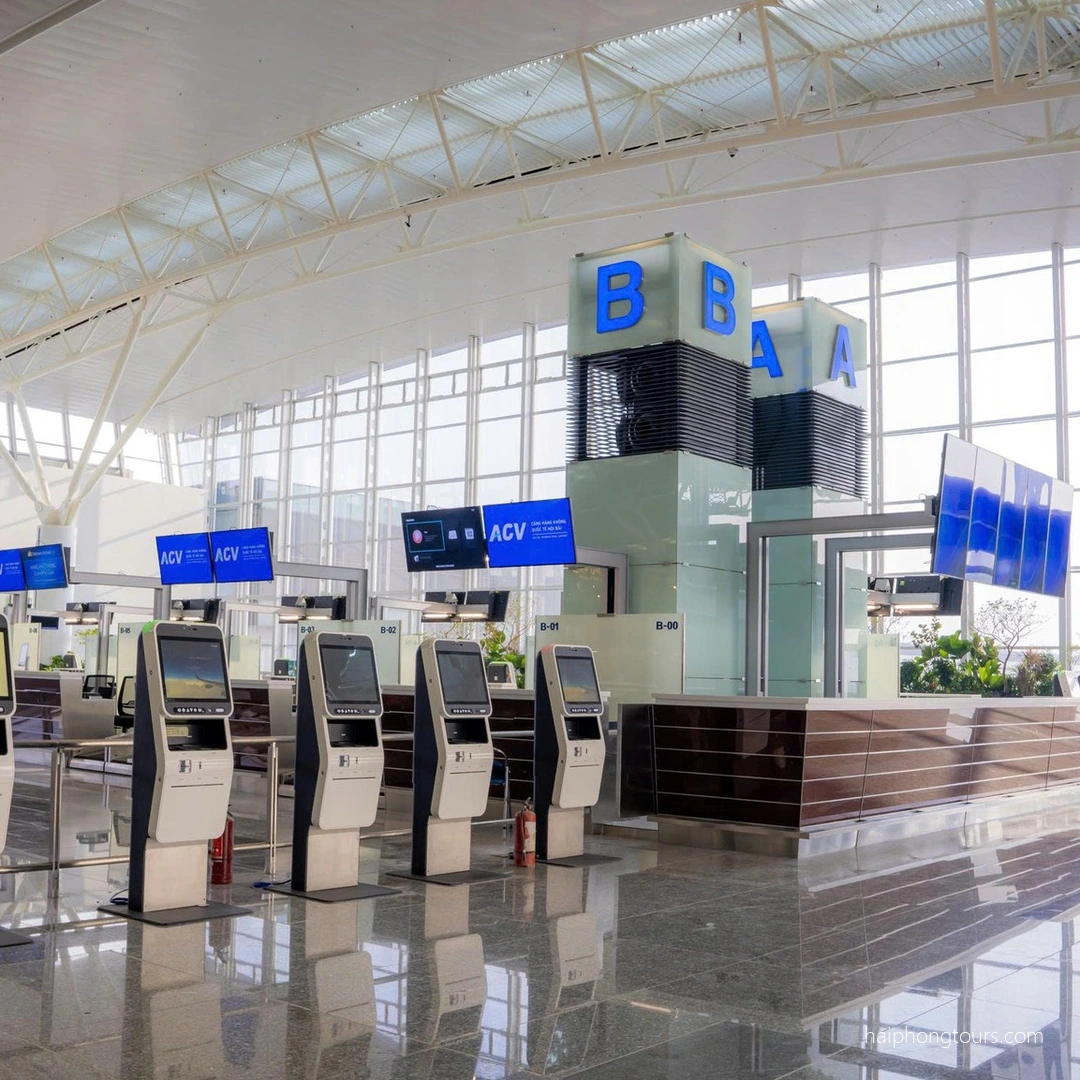
From booking lookup to a boarding pass
- Open the Check-in section and enter the current PNR and family name.
- Compare the displayed passenger, flight date and route with the ticket before starting check-in.
- Complete the required passenger and document information, acknowledge baggage restrictions and review the seat selection.
- Finish the confirmation steps and retain the resulting boarding pass or counter instruction.
For a compound family name or a name displayed in an unfamiliar order, refer to the booking fields rather than repeatedly reversing words or guessing a different spelling. Finding the reservation is only the first step; it does not mean a boarding pass has been issued.
If the PNR does not retrieve the flight
Check whether a recent ticket change produced different booking details and whether another airline operates the service. The airline also offers ticket-number lookup in its check-in channels. If the record still cannot be found, have the current ticket and correct name ready for the ticket issuer or airport staff to investigate.

Need help with airport transfers or the rest of your Vietnam trip? Contact us with your confirmed flight details, destination and travel dates to discuss a suitable ground transfer or sightseeing plan.