
Quick answer: Complete the required visa or residence-permit fields when automated document verification requests them. Confirm the operating carrier, terminal, eligible channel, document status, baggage plan, counter cutoff, boarding pass, and gate instruction before travel. Online success does not remove later airport requirements.
Use the actual document and current itinerary. Do not reuse numbers or validity dates from an expired visa, prior trip, or different permit. Use the current booking and official airport guidance, because a changed schedule, terminal, carrier, or document result can change the correct next step.

The current rule for visa or residence-permit data requested by TravelDoc
Vietnam Airlines says incomplete required visa or residence-permit information can prevent online check-in. If the system asks for additional document information, the steps must be completed before a boarding pass is issued.
Apply the rule to the flight that will actually operate. A Vietnam Airlines marketing number can appear on a codeshare operated by another airline, and that operator may control the counter, terminal, online channel, baggage acceptance, and boarding process.
Check eligibility before starting
Before using online check-in, review the passenger, route, departure airport, operating carrier, document type, special-service requests, infant status, and connection pattern. Vietnam Airlines publishes cases requiring counter check-in, so a working website does not by itself make every traveler eligible.
Keep the PNR or ticket number, exact passenger name, identity document, current itinerary, and contact details accessible. For a Hai Phong Tours itinerary, a boarding pass is one checkpoint, not a substitute for document, baggage, security, or gate requirements.
Build the airport step into the plan
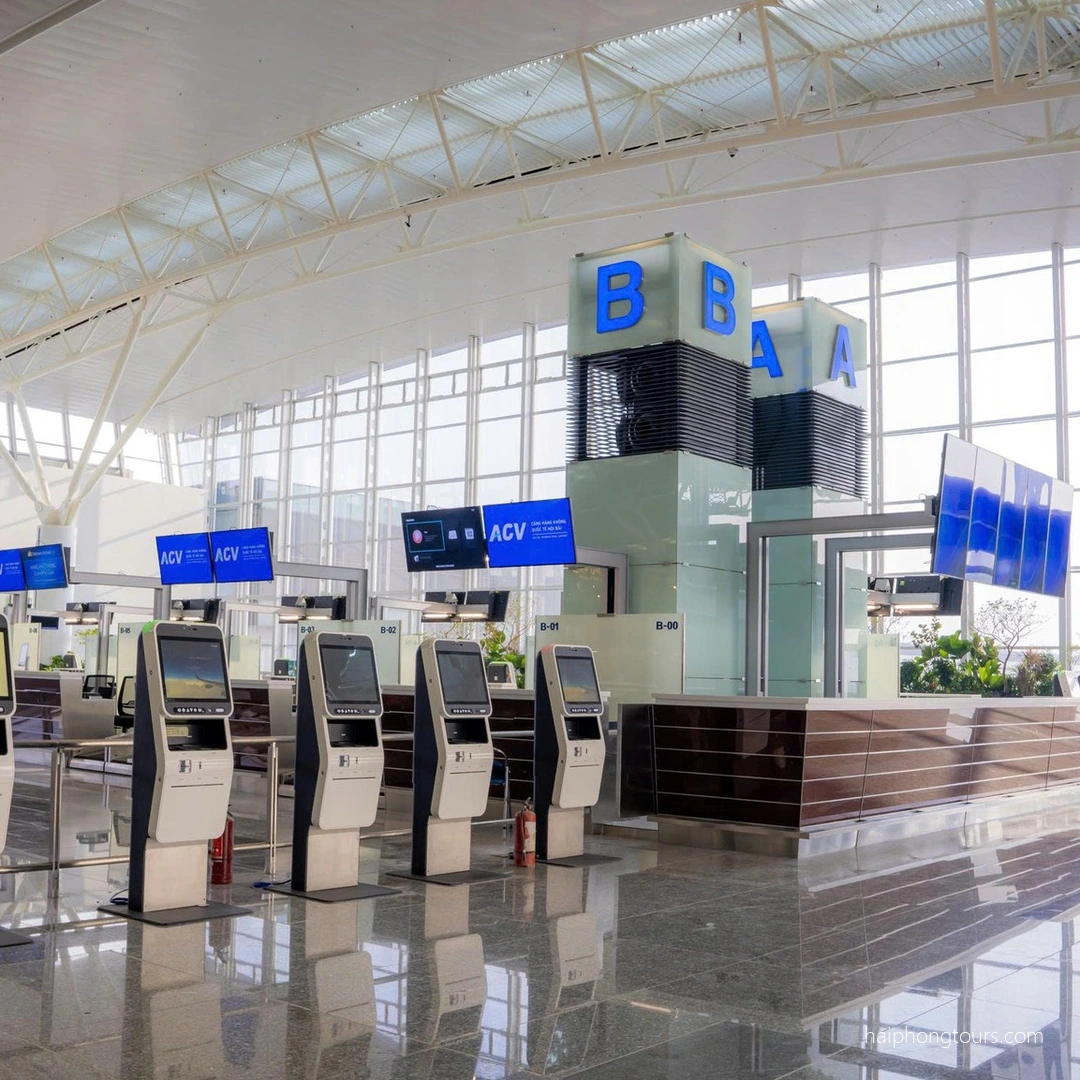
Decide before departure whether the traveler can go to security, must drop baggage, needs international document verification, or must complete the whole process at a counter. Check the terminal and operating-carrier desk, then leave enough time before the applicable cutoff for document or baggage questions.
A mobile boarding pass is not a promise that baggage will be accepted late or document review is complete. Follow its message, the airport display, gate announcement, and staff instruction. Recheck after any schedule or terminal change.
Keep a verifiable check-in record
Keep a counter fallback even after digital success. Save the check-in result, boarding pass where issued, passenger and flight details, and any error or conditional message. Screenshots can help explain what happened, but the live reservation and airport systems control the current status.
- Confirm the operating carrier and departure terminal.
- Use the passenger name and booking details exactly as issued.
- Match passport, visa, permit, transit, and onward information to the actual documents.
- Decide whether baggage or document review requires a counter visit.
- Recheck the current counter cutoff and any airport-specific exception.
- Read the boarding pass and gate instructions again after schedule changes.
Do not confuse check-in with permission to board
When checking in online, remember that online check-in records a travel step and may issue a boarding pass, but the airline and authorities can still inspect identity, entry, transit, baggage, and security compliance. A TravelDoc conditional result requires more verification, and any result can be revisited after changes.
When checking in for international travel, carry the original documents used online. For domestic travel, carry the accepted identity document and follow the airport-specific route. Do not rely on a screenshot whose flight, passenger, or status no longer matches the live booking.
Protect the cutoff with a fallback
If a field is unclear or the system cannot verify the document, stop guessing and arrange airline or airport review. Bring the original supporting document and allow time before the counter closes. The fallback should begin while the correct airport channel is still open, not after repeated online attempts consume the remaining time.
If the schedule changes during planning, recalculate every deadline from the updated departure time and confirm whether the terminal or operating carrier also changed. If a service is a pilot, conditional feature, or airport-specific option, do not treat earlier availability as permanent.
Keep four different clocks separate
Planning the airport process requires more than one deadline. The online or kiosk channel has its own closing time, the baggage or staffed counter has another, security and immigration take additional time, and the boarding gate follows a separate instruction. Finishing one step before its cutoff does not extend any later deadline. Work backward from the live boarding instruction and allow practical time between each stage.
Do not read scheduled departure as the moment to reach the gate. Save the boarding pass, but also watch displays and announcements because gate details can change. If document review or baggage remains incomplete, ask staff for the correct next action instead of waiting with an unresolved record.
Recheck after an itinerary change
A changed flight can alter the operating carrier, terminal, departure time, check-in window, counter location, document route, seat, and boarding pass. Reopen the live booking and confirm each field again. An earlier screenshot is useful history, but it should not be treated as proof that the revised flight carries the same status.
When a connection changes after check-in, review transit requirements and the final destination. When a domestic sector becomes international, add document and counter checks. If the replacement flight is close to departure, stop optional online troubleshooting and move to the operating carrier’s available airport channel before it closes.

Final preflight decision
Proceed only after the passenger, operating carrier, terminal, documents, baggage route, current cutoff, boarding-pass status, and gate instructions align. When online check-in fails, documents require review, arrival is becoming late, or the schedule changes, use the planned kiosk or counter fallback and follow the operating carrier’s current direction.
Need help with airport transfers or the rest of your Vietnam trip? Contact us with your confirmed flight details, destination and travel dates to discuss a suitable ground transfer or sightseeing plan.