
If the Hanoi Metro app QR and Vietnamese chip CCCD are both correctly linked to your ticket, either can be available, but choose one before entry and use that same medium at exit. Enter with App QR only when the phone can remain powered and show the ticket again. Enter with CCCD only when that passenger’s card is linked to the active product. If the entry medium becomes unavailable before exit, do not test the other one at the gate; ask station staff how to exit before presenting it. You can choose the other enabled medium for a later journey after checking it is still linked and valid. A foreign passport does not become a Vietnamese CCCD.

Confirm that both media belong to the same passenger
Hanoi Metro allows a passenger to use an App ticket and a linked chip CCCD in parallel. Before choosing, confirm that the App shows the intended active ticket and that the CCCD has been linked for that passenger. Possessing a chip card alone does not create a metro ticket.
If the App and card do not clearly match the same passenger or product, resolve the setup at Customer Service before entering. Use your own linked Vietnamese CCCD; a foreign passport, a companion’s identity card or an unlinked account is not a substitute.
Choose App QR when the phone can complete the journey
App QR is the practical choice when the passenger controls the account, the correct ticket is active and the phone can display it at both gates. Check battery and access to the app before entry, because the same QR method is required again at the destination.
If the phone is already low on power or unreliable, choose a linked CCCD before entering instead of planning to change media midway. Keep the QR personal to its passenger and use station help if the ticket status is unclear.
Choose CCCD when the card is linked and available
CCCD avoids dependence on phone power, but it works for this decision only when the passenger’s ticket has been linked to that card. Keep the passenger’s own CCCD available through the exit. Another person’s card cannot substitute for it.
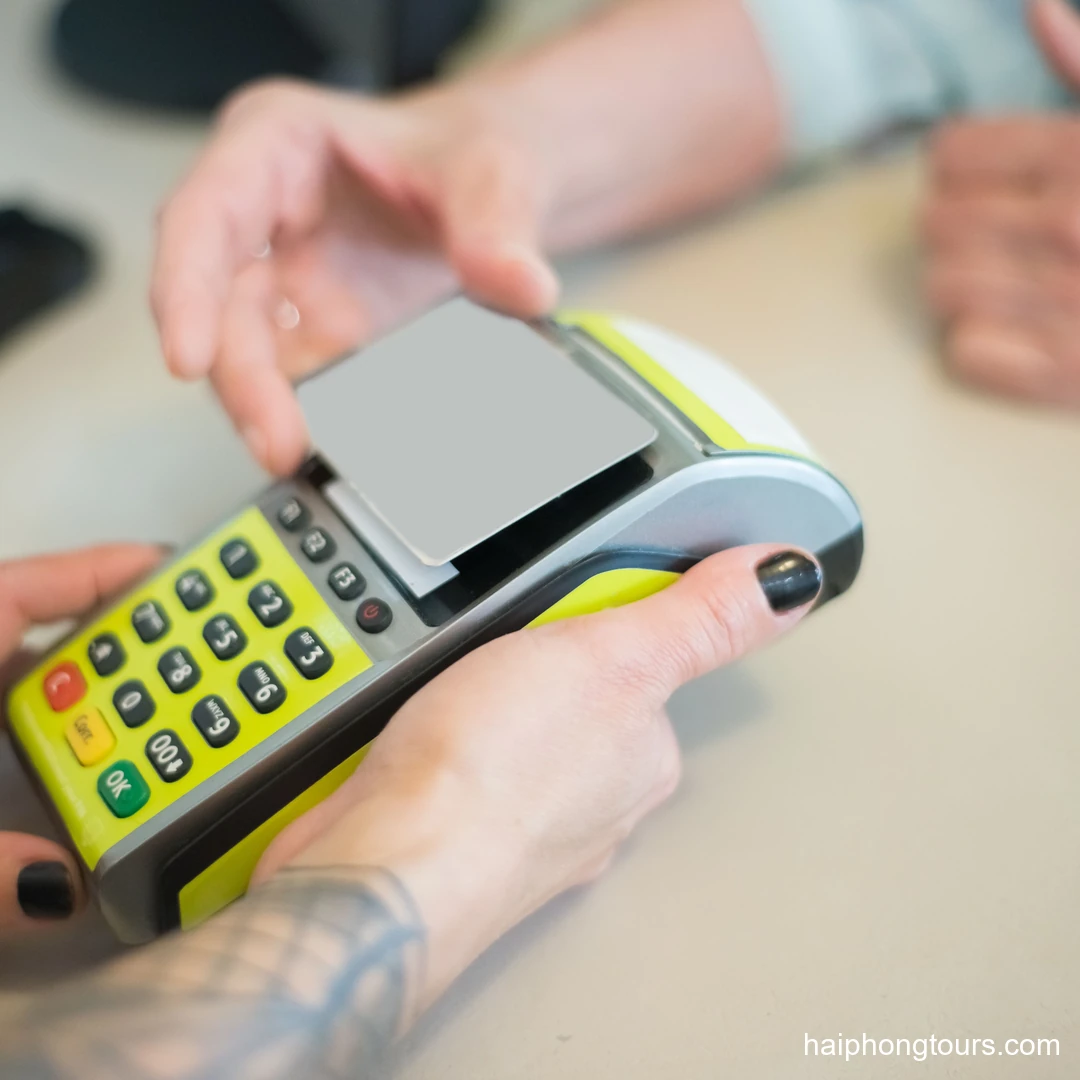
When both media are enabled, choose CCCD before entry if the passenger prefers to keep the phone packed away. The choice is for the upcoming journey; it does not remove the linked App option for a later trip.
Use the entry medium again at exit
For single, day, week and month tickets, present at exit the same QR, card or identified medium used at entry. If you entered with App QR, exit with that App QR. If you entered with CCCD, exit with that CCCD.
If the phone fails after QR entry, or the card is lost or unavailable after CCCD entry, move aside and tell station staff which medium was used and where the journey began. Ask staff how to exit before presenting another linked medium. Parallel availability does not guarantee a self-service mid-journey switch.
Switch only between completed journeys
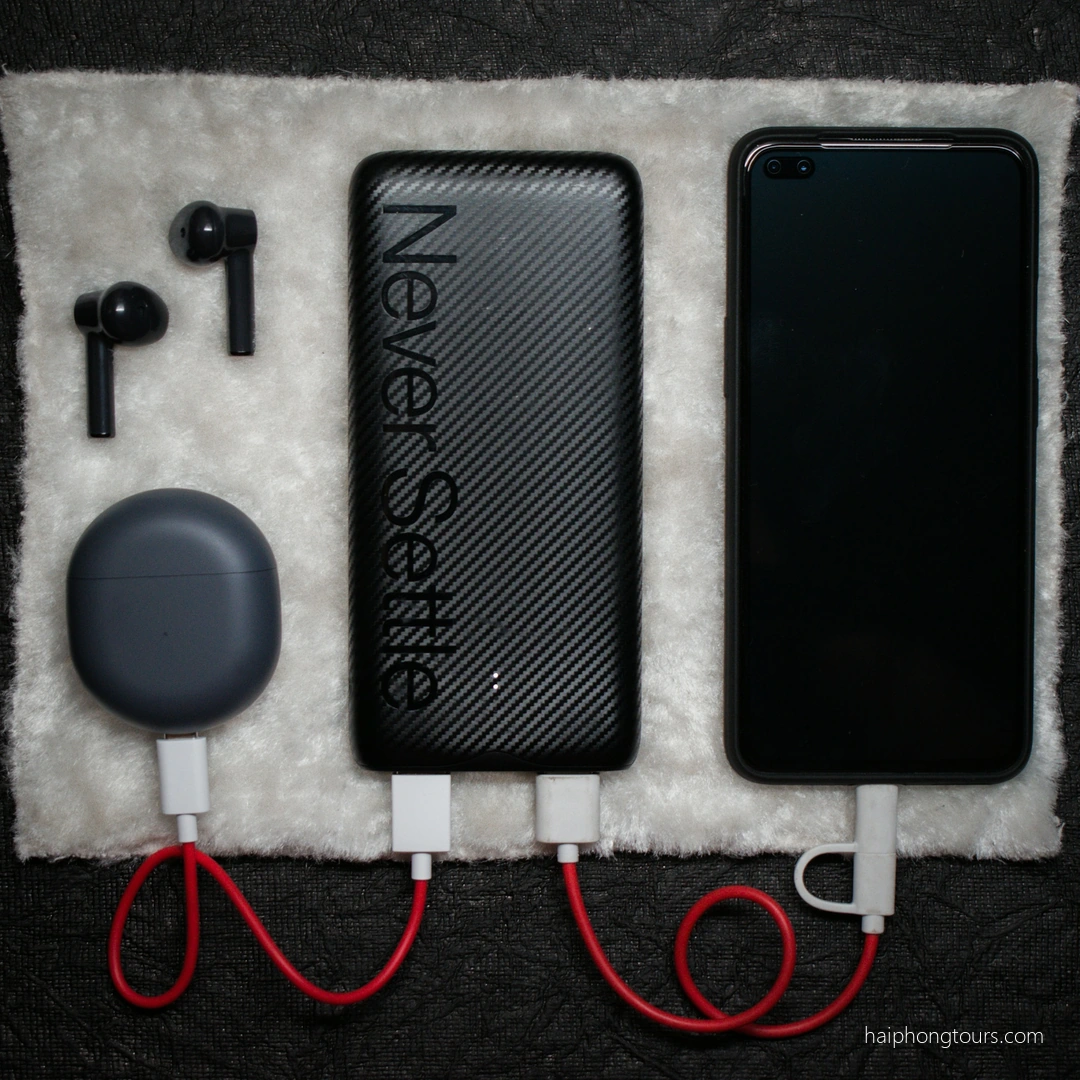
After one journey is complete, the next trip can use the other enabled medium. Check that the ticket remains active and linked, then choose the medium that can stay with the passenger through the next exit. This is a fresh choice for a new journey, not a repair for one already in progress.
Hai Phong Tours recommends choosing a linked CCCD before entry when phone power is unreliable. If you choose App QR, confirm that the phone can remain on and open the ticket again at the destination before approaching the first gate.