
At a crowded northern Vietnam station, hotel, attraction or transport hub, choose the recommended legal pickup entrance in the Grab app, keep the pin stable, and send the driver a picture or voice description of a fixed landmark. Wait in a safe visible place. Before boarding, match both the license plate and driver photo or details with the app.
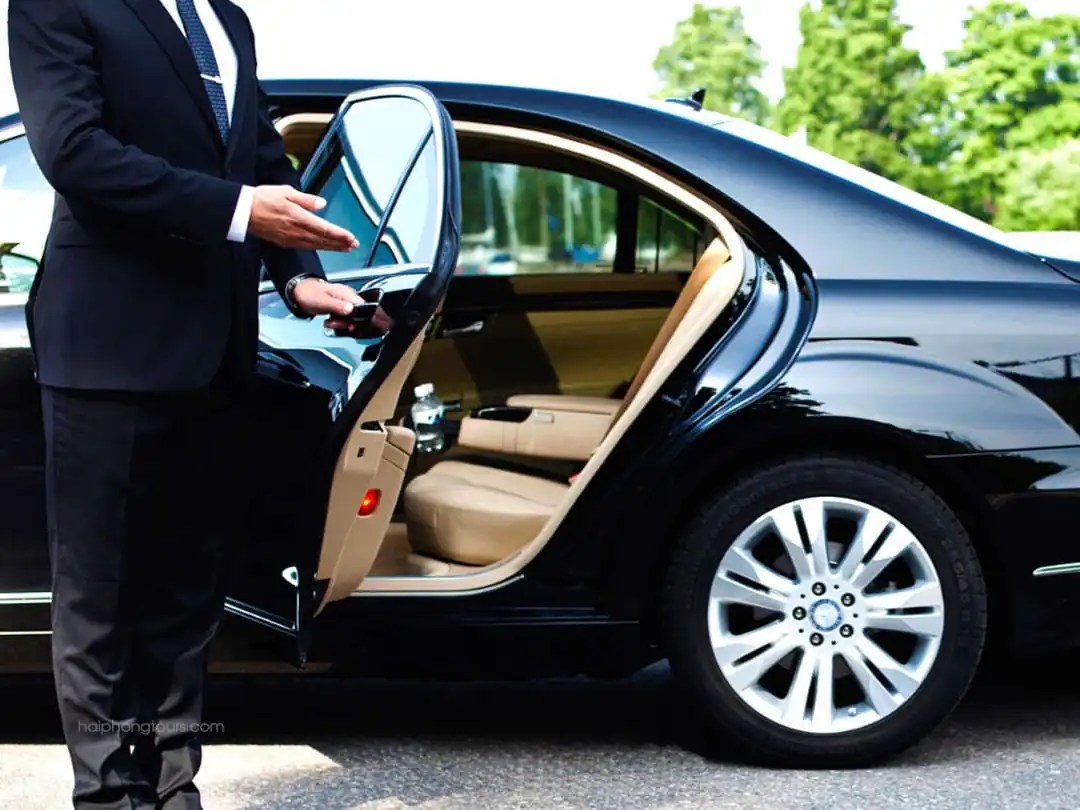
Do not enter a car that is merely the expected color or model. If the plate or driver does not match, stay outside and use the app’s support or Safety Centre tools. Hai Phong Tours does not operate Grab or verify its drivers, so the active Grab booking must remain the source of identity and trip information.
Choose the pickup entrance, not just the venue
A complex venue can have several gates, levels, roads or vehicle lanes. Search for the recommended entrance or pickup point shown in the app. A hotel name, railway station or attraction label may place the pin where the driver cannot stop.

Follow legal venue pickup rules and signs. Do not ask a driver to stop in a prohibited lane or active traffic. If staff direct passengers to a designated area, use that point and update the app when required.
Check whether the pickup point is accessible with luggage, children or limited mobility. The shortest map distance is not always the practical meeting point.

Keep the pin stable after matching
Once a driver accepts, remain near the selected pin unless the app or driver supplies a clear legal alternative. Walking toward a moving car while changing location can make both parties circle the venue.
If you must move, send the new location through the app and make sure the driver acknowledges it. Use a fixed entrance number, sign, shopfront or pillar rather than “I am near the gate.”
Do not move the booking off platform to solve confusion. The app record supports driver identification, trip monitoring and later problem reporting.
Use picture and voice messages precisely
Grab’s passenger tools include in-app picture and voice messages. Photograph a fixed public landmark that helps the driver recognize the entrance, not sensitive personal documents or unrelated people.
In a voice message, name the venue, entrance, level and visible landmark. Keep it short enough to understand in traffic. Avoid relying on pronunciation alone when a gate number or photo is available.
Use only the in-app channel when possible so the instruction remains attached to the booking. Do not share unnecessary private information.
Wait where you are visible and safe
Stand away from moving traffic, ramps, blind corners and restricted vehicle lanes. Keep children and bags together. The driver should be able to identify the passenger without forcing anyone into the roadway.
Watch the live map and vehicle details, but remember that map position can lag. Do not run after a vehicle or step into a lane because the icon appears close.
If the area becomes unsafe or venue staff require movement, choose another legal point in the app and communicate the change. Safety takes priority over preserving the original pin.
Match the driver and vehicle before boarding
Compare the full license plate with the app, not only the final digits. Check the driver photo or displayed details. Ask the driver to confirm the passenger name or destination through the normal booking flow without exposing more information than necessary.
If the vehicle or person does not match, do not board. Step back to a safe place and contact the assigned driver or in-app support. An explanation such as “I changed cars” should be verified through the platform.
Check that the vehicle has enough space for the declared passengers and bags. Identity verification does not solve unsafe overloading.
Use trip-sharing and monitoring tools
Grab provides ride-detail sharing and trip monitoring. Share the active ride with a trusted contact when useful, especially for a late pickup or unfamiliar venue. The shared information should come from the app, not from a handwritten plate alone.
Keep the destination pin visible and watch for an unexpected route or destination change. Ask the driver to make necessary changes through the app so the fare and trip record update.
The 24/7 Safety Centre is available as an app safety tool. It does not guarantee response time or replace local emergency services. Use the feature according to the actual situation.
Recover from a failed meeting
If the driver cannot find you, resend the fixed entrance, picture and landmark. Avoid sending several different pins. Set a limit for troubleshooting when a train, flight or reservation is approaching.
If the driver asks for an illegal or inaccessible pickup, choose a legal recommended point and update the app. If the ride cannot proceed, use the platform’s current cancellation or support process and switch to another transport mode.
Preserve screenshots of the selected pin, messages, driver details and cancellation when a dispute occurs. Do not enter an unmatched vehicle just because the original ride is delayed.
Complex-venue checklist
- Select a recommended legal entrance or pickup point.
- Keep the pin stable after a driver accepts.
- Send an in-app picture or voice landmark.
- Wait in a safe, visible place with the group and bags.
- Match the complete plate and driver photo or details.
- Refuse an unmatched vehicle.
- Use Share My Ride or trip monitoring when helpful.
- Keep support and the Safety Centre available.
- Switch modes rather than miss a fixed commitment.
The most reliable pickup is a shared, legal point with a stable app record. Venue entrance, visual landmark, matched plate, matched driver and live trip details should all agree before the passenger gets in.
Would you like help fitting this experience into your trip? Contact us with your travel dates, starting point, available time and group size. Tell us about walking limits or special interests so we can suggest a practical itinerary.