If the login page does not open, follow the property’s approved reconnect and browser steps. Forgetting and rejoining the network, opening a normal browser page or disabling a conflicting connection may be suggested by official support.
Listen to this pageHands-free overview
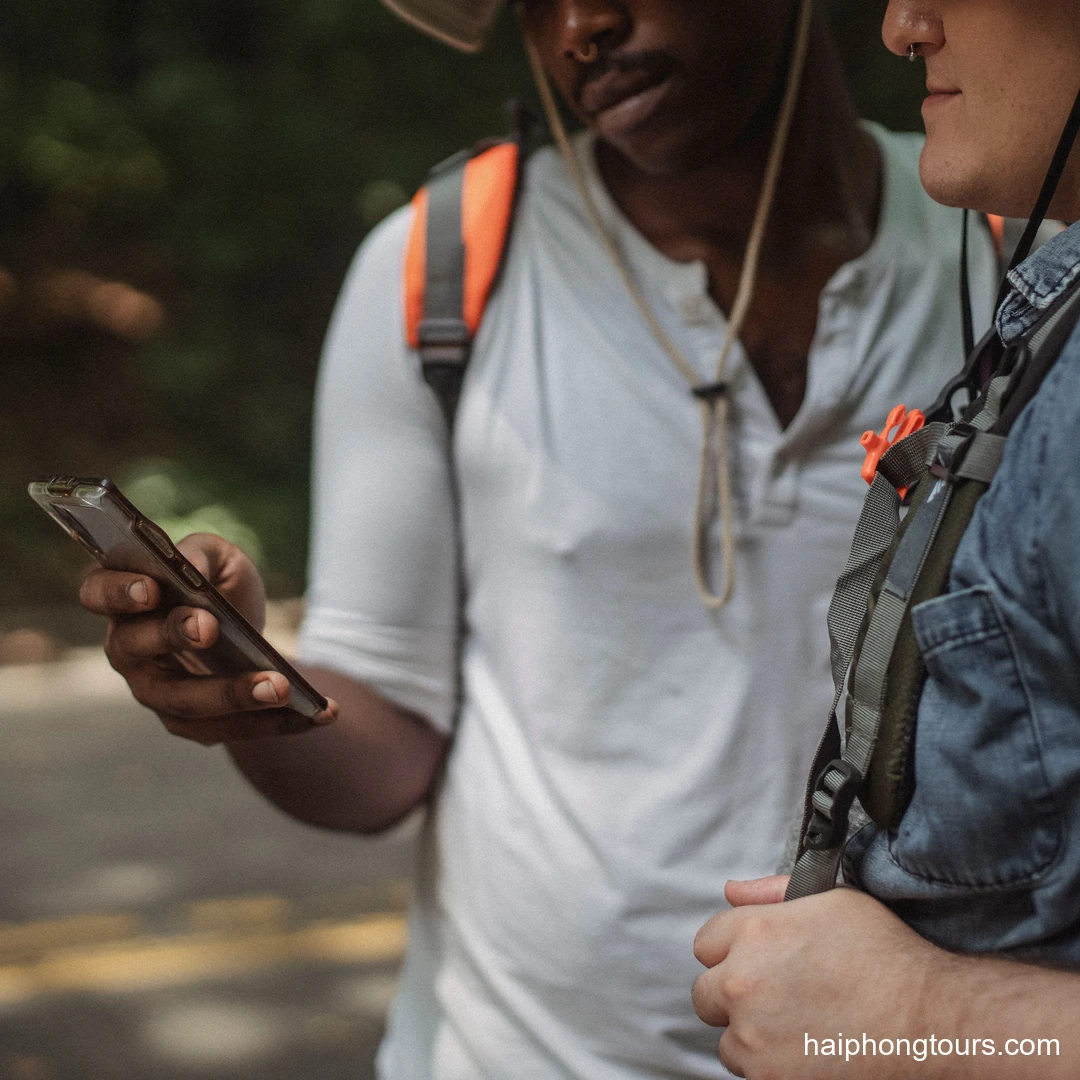
Travelers using a smartphone outdoors.
Restore a missing login page by following the official reconnect and browser steps before escalating.
Tell support where the login process stops
Record room number, device type, operating system, network name, time and exact error without sharing passwords. Contact the front desk or the internet-provider channel the hotel verifies.
A reception desk in a modern hotel lobby.
First verify that you joined the hotel’s intended guest network. Record whether the device connects without internet, displays a blank browser or shows an error. Use the hotel’s approved reconnect steps and avoid making broad security changes simply to force an unfamiliar page to open.
A specific request to send
My device joins the confirmed network, but the login page does not open. Here are the device type, time and exact screen message. What approved reconnect or browser steps should I use?
The mail application on a smartphone screen.
Planning transport around this stay?Contact us with the property name, travel date, pickup and destination, plus the room or reception times your journey needs to fit.
What would you like to explore?
Tell us what you have in mind, and we'll narrow down the best options.