Disconnect and contact the hotel when the network name or portal asks for unexpected financial, third-party or software credentials.
Listen to this pageHands-free overview
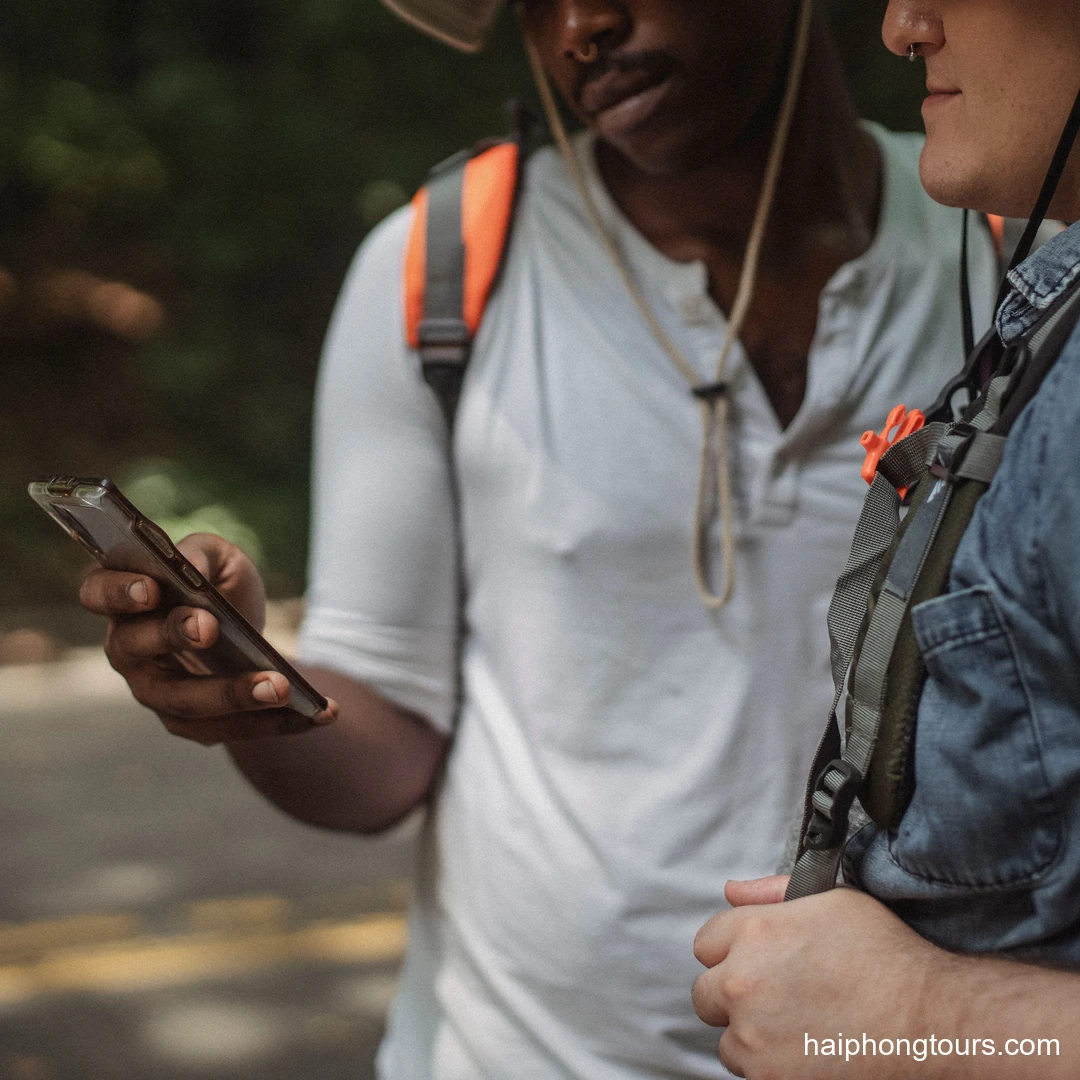
Travelers using a smartphone outdoors.
Stop when the network asks for unexpected access
Ask the hotel for the official guest-network name. Check spelling carefully before connecting. A similar network name can be unrelated or unsafe.
Use only the verified captive portal and provide the minimum stay information it requests. Unexpected card details, third-party passwords, software installation or work credentials are reasons to disconnect and call the hotel.
Do not enter work passwords or install software simply because a screen uses the hotel name. Disconnect from the suspicious service and verify the network with reception through a known hotel channel. Describe the prompt without sending passwords, full payment details or other confidential information.
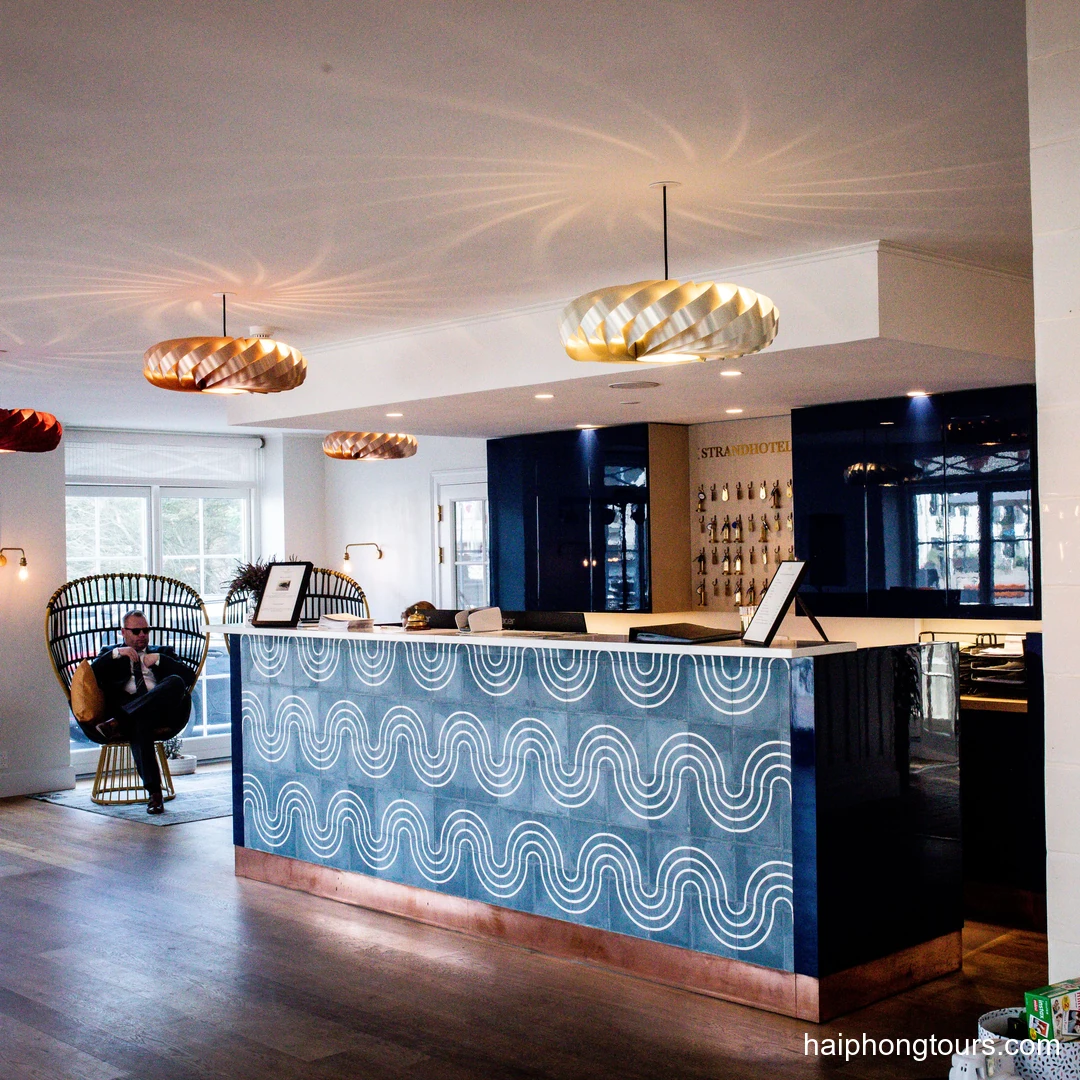
A reception desk in a modern hotel lobby.
A specific request to send
This network is asking for information or software that was not in your instructions. Can reception verify whether the network and prompt are authorized before I continue?
The mail application on a smartphone screen.
Planning transport around this stay?Contact us with the property name, travel date, pickup and destination, plus the room or reception times your journey needs to fit.
What would you like to explore?
Tell us what you have in mind, and we'll narrow down the best options.