For a video call, test the actual room connection, microphone, camera, headphones, power and background well before the meeting. A successful login does not guarantee stable video.
Listen to this pageHands-free overview
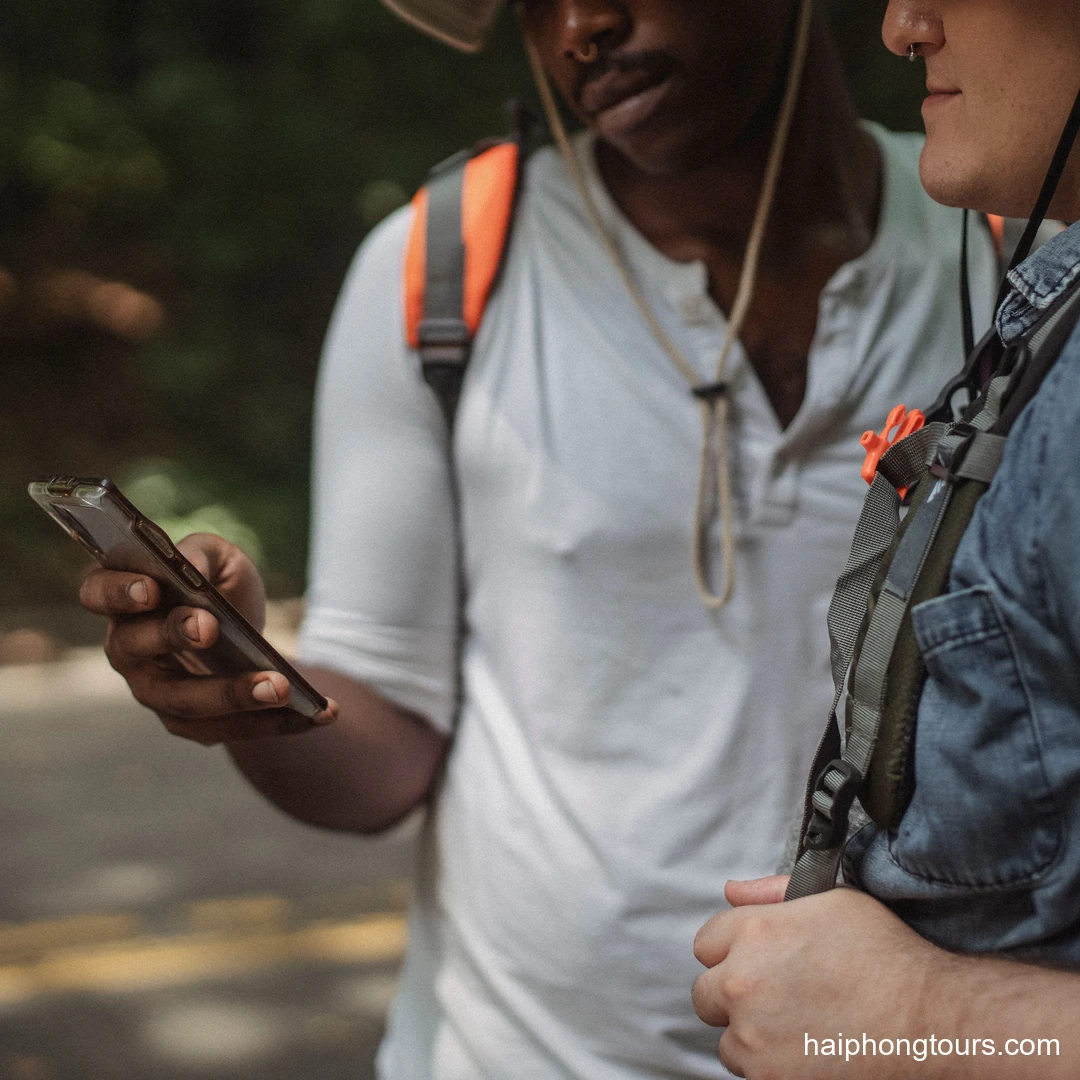
Travelers using a smartphone outdoors.
Keep a charged mobile-data option or alternate workspace when connectivity or business services are essential.
Make the essential task independent of one connection
Keep a charged mobile-data option or alternate workspace where permitted. Download essential files and dial-in details in advance.
Identify the meeting, upload or document that cannot wait. Save usable files offline, check power and decide when you will switch to an available backup. Confirm that the alternate workspace permits the task; a nearby lobby with a signal may not be suitable for confidential calls.
A specific request to send
I have a time-critical online task after arrival. Where can I test the connection, what support is available, and is there a permitted workspace if the room connection cannot support it?
Planning transport around this stay?Contact us with the property name, travel date, pickup and destination, plus the room or reception times your journey needs to fit.
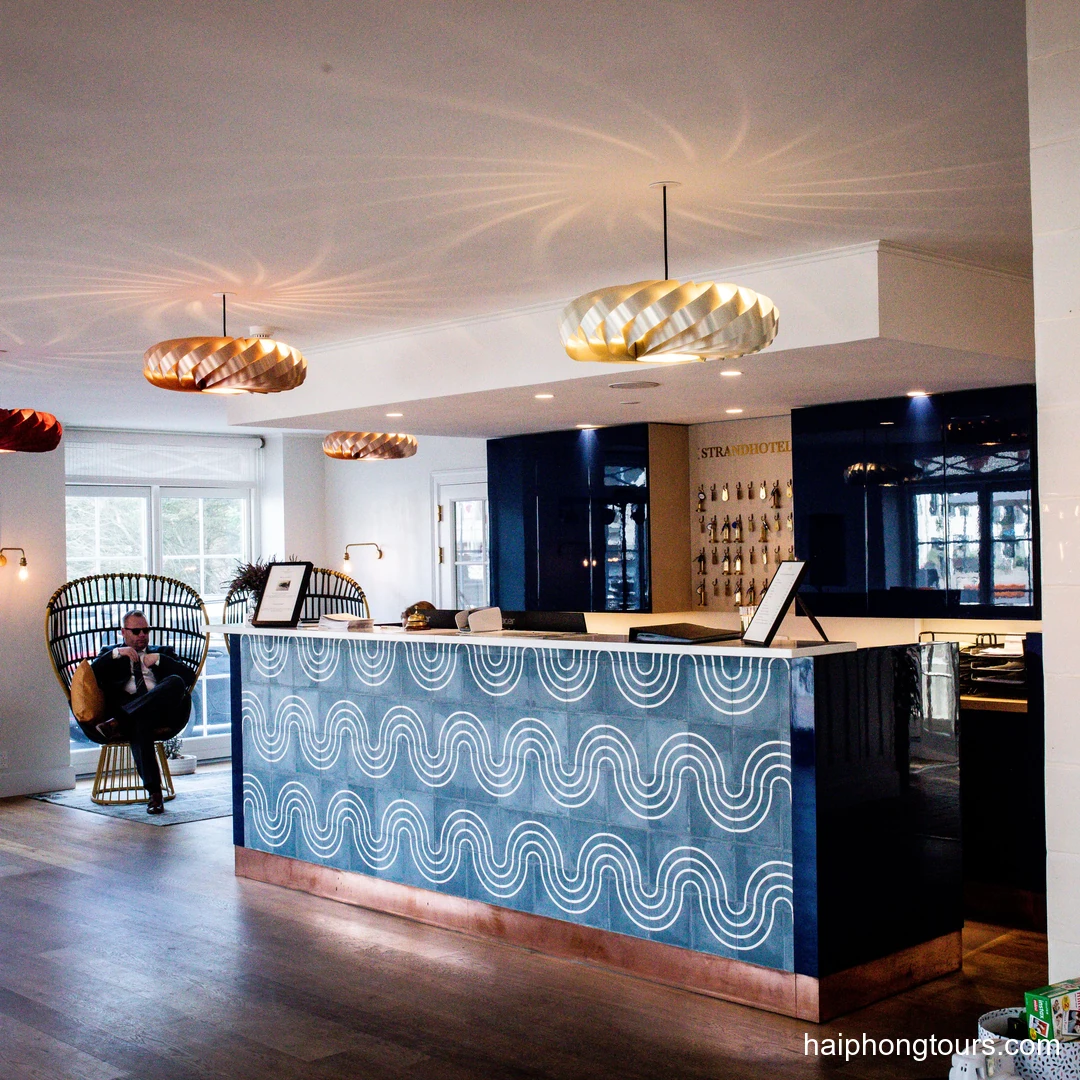
A reception desk in a modern hotel lobby.
What would you like to explore?
Tell us what you have in mind, and we'll narrow down the best options.