Quick answer: Switch to an eligible device or payment method when an e-wallet option is not displayed in the current purchase flow. Confirm the exact market and currency, operating carrier, reservation and ticket state, payment method, bank record, deadline, email, invoice eligibility, buyer details, and written airline result before treating the transaction as complete.
The current rule for missing e-wallet option
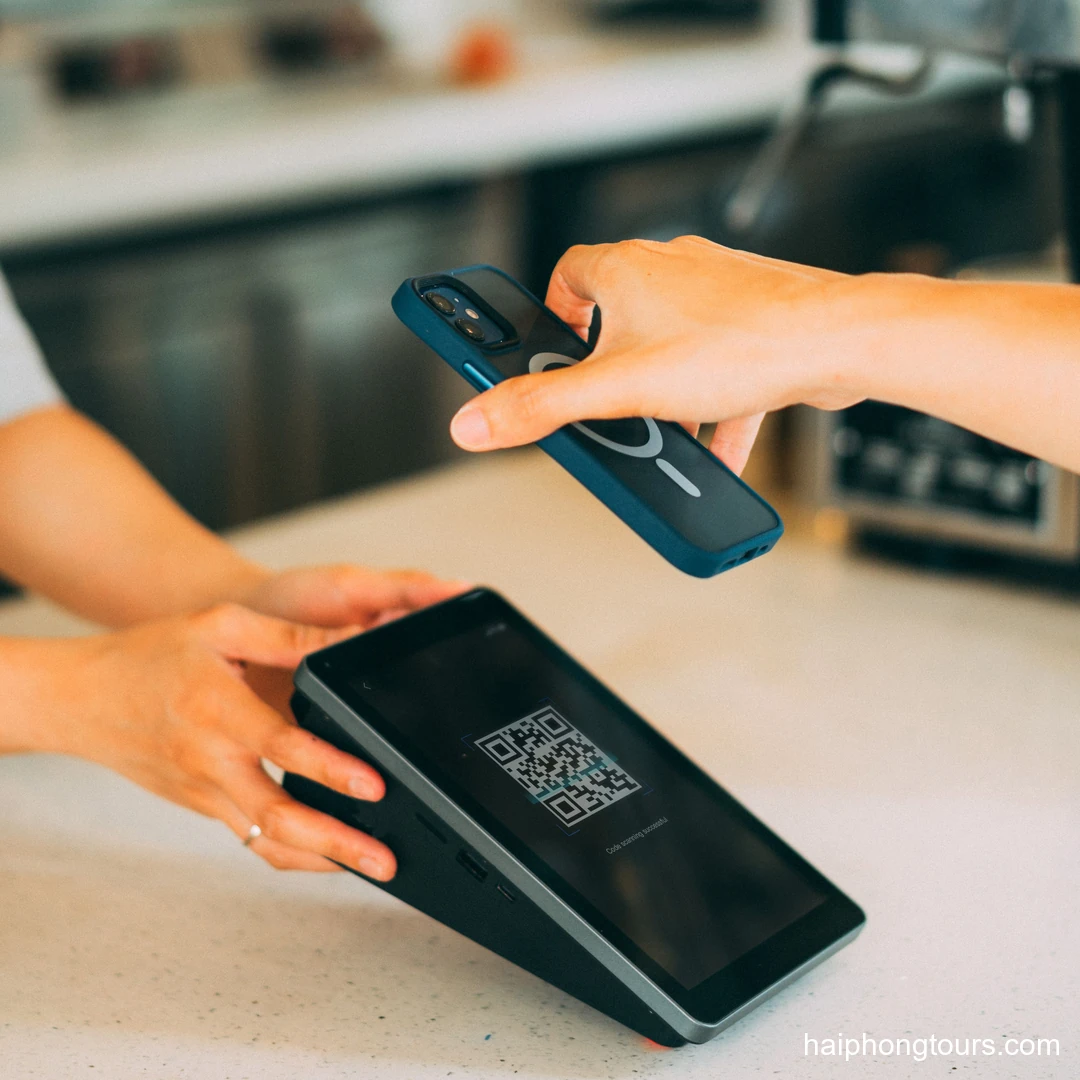
Vietnam Airlines notes on its payment page that certain e-wallet options, including Alipay and WeChat Pay, are not displayed when passengers use a mobile phone to access the website for ticket or ancillary purchases.

The method can also be excluded by market. Changing to a desktop browser will not make an e-wallet eligible where the selected point of sale is outside its accepted markets.
Verify the purchase context
First confirm the country or region and wallet eligibility, then try the airline app or a suitable non-mobile-web flow if supported. Otherwise choose another displayed payment method before the booking expires.
Record the selected country or region, currency, passenger names, itinerary, operating carrier, reservation code, payment deadline, and registered contact email. A setting copied from another booking is not enough.
Separate reservation, payment, and ticket issuance
Do not change the market only to reveal a wallet without reviewing currency, fare, invoice, and local payment consequences. Do not assume a missing icon is a temporary error.
Hai Phong Tours advises checking both market eligibility and device type before troubleshooting a missing wallet, because moving to desktop cannot override a point-of-sale exclusion.
A flight search, selected fare, held reservation, bank authorization, successful payment, confirmation email, and electronic ticket are different states. Identify the state reached before attempting payment again or making non-refundable onward plans.
Use the method shown for the current market
Vietnam Airlines lists international cards and several market-specific wallets, bank, QR, installment, and offline options. Use only a method displayed and permitted for the chosen point of sale, currency, device, transaction amount, and product.
If the preferred payment option is absent, check the country or region and device first. Then choose another accepted method or contact official support. Do not force availability by changing market without reviewing the resulting fare, currency, invoice, and payment conditions.
Protect the deadline
The applicable deadline may be the held-booking expiry, one hour after booking, eight hours after booking plus a departure margin, one hour after successful payment for a missing ticket check, 72 hours after purchase for invoice declaration, or 48 hours after declaration for missing-invoice escalation.
Write down the event that starts the clock and its time zone. Use the earliest applicable boundary, leave room for bank authentication and airline processing, and verify the electronic ticket or invoice outcome before the window closes.
Check the bank record without exposing card data
Compare the airline total, currency, merchant, payment timestamp, pending or posted bank status, and number of issued tickets. A pending authorization is not always a settled debit, while a debit is not by itself proof that a ticket was issued.
When asking for payment support, redact full card numbers and security codes. Provide the reservation code, passenger, itinerary, amount, currency, transaction time, last four digits where needed, and a bank record that shows the relevant status.
Keep evidence tied to the exact transaction
Record the market, device, browser or app, currency, amount, and available methods. Keep the final payment and ticket confirmation from the route that succeeded.
- Confirm the point of sale, currency, device, route, and operating carrier.
- Match passenger and contact details to the intended booking.
- Check the allowed method, amount, payment deadline, and bank requirements.
- Verify successful payment, the confirmation email, and the electronic ticket.
- For VAT invoices, confirm VND, buyer details, and declaration timing.
- Save the written result and reconcile it with the bank or invoice record.
Use the correct fallback
A direct website or app transaction can use Vietnam Airlines online-ticket support, while another seller should handle its own purchase. A bank controls its authorization and added fees. The invoice portal and airline support control eligible VAT declaration and delivery.
Avoid parallel retries. First establish whether the existing reservation is unpaid, paid without a ticket, ticketed, double-debited, or successfully declared for invoice. Then use one support route with consistent evidence.
Reconcile email, booking, and transaction records
Compare the registered email with the address that actually received the reservation, ticket, or invoice notice. Search spam and filtered folders, but also retrieve the live booking. An email can be delayed, while a ticket or invoice can still exist in the issuing system; the records should be matched before another transaction is started.
When the payment or invoice issue remains unresolved, create a short timeline showing the booking or declaration time, payment attempts, bank entries, messages received, support contacts, and current deadline. This lets the airline, seller, bank, or invoice team see the sequence without guessing. Update the timeline when a pending charge posts, disappears, or produces a ticket or document.
Need help with airport transfers or the rest of your Vietnam trip? Contact us with your confirmed flight details, destination and travel dates to discuss a suitable ground transfer or sightseeing plan.