
Check a Vietnam train e-ticket at giavere.dsvn.vn under Check Ticket using six exact fields: ticket code, train code, departure station, arrival station, departure date and the identity-document number printed on the ticket. A bank payment QR, debit, invoice or seller message is not the issued ticket. A successful match means the entered record is recognized, but you must still compare the passenger identity and complete journey with the passport and final ticket. If lookup fails, correct the fields once, save the ticket and payment evidence, then contact the issuer and the appropriate railway channel before buying another ticket or traveling to the station.
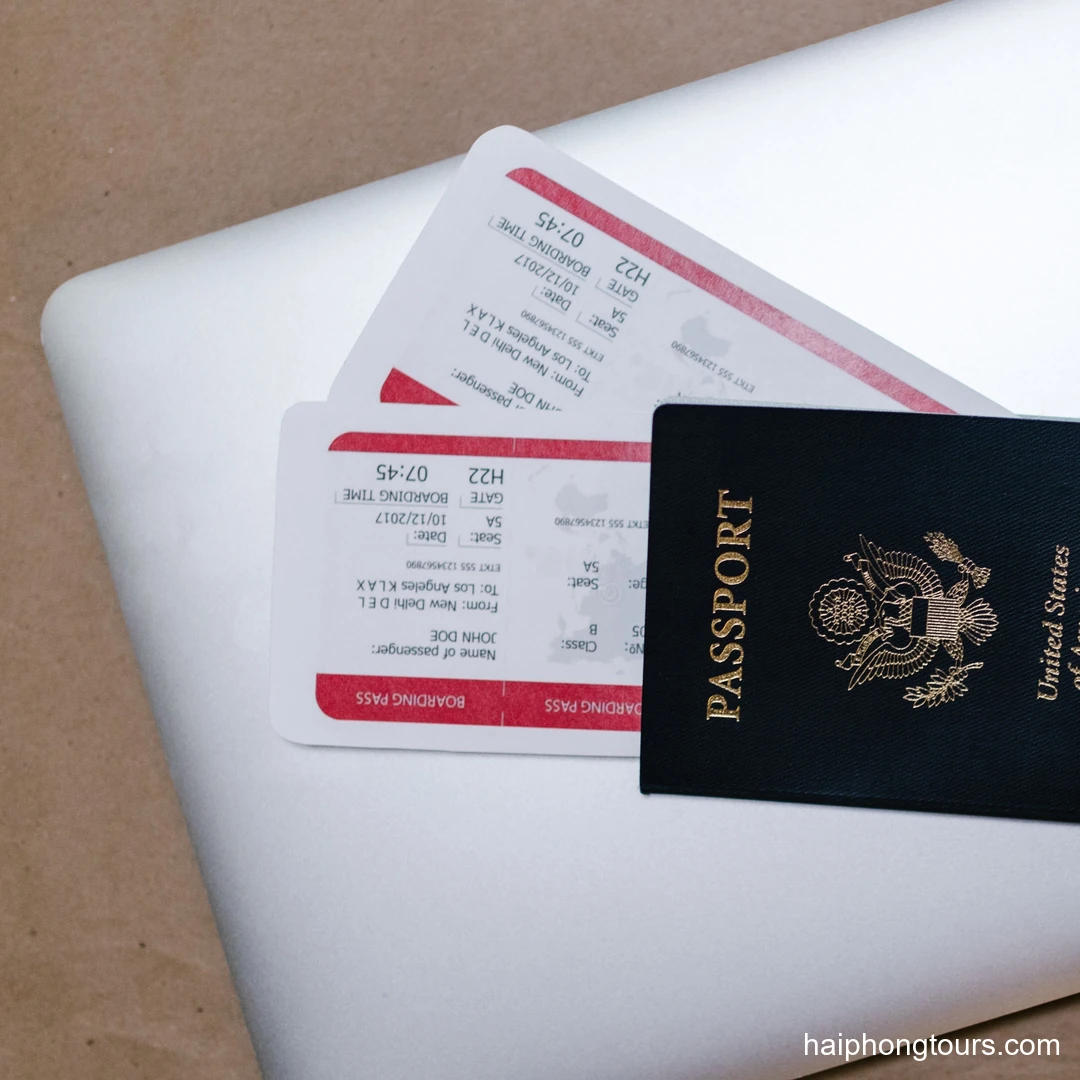
Enter the six fields from the issued ticket
Open the official ticket site at giavere.dsvn.vn and choose Check Ticket. The form requests an eight- or nine-digit ticket code, train code, departure station, arrival station, departure date and the identity-document number recorded on the ticket.
- Copy the ticket code exactly, including any leading zero.
- Use the train code for this segment, not a return or connecting train.
- Select the exact stations printed on the ticket and keep them in the correct order.
- Choose the local departure date shown for that segment.
- Enter the identity number linked to that passenger’s ticket.
Use the issued record rather than the trip you intended to buy. A city can have more than one passenger station, and a correct city with the wrong station can still fail. For several passengers, keep each ticket code paired with the identity number used for that specific traveler.
Keep the complete ticket and matching identity
Current railway rules allow journey evidence in print, photo or electronic form when it shows the complete ticket information. For a foreign traveler, the practical identity check is the passport used for the booking. The passenger details and journey fields must match the railway record and the document presented for travel.
Save the full ticket for offline access, with the passenger, train, date, stations and assigned place visible. A cropped QR alone hides the fields you need to inspect. Keep the final active version after any authorized change and remove older copies from the travel folder so another traveler does not present the wrong one.
Separate payment proof from the issued ticket
A bank QR is a way to pay. A debit notification, payment receipt or VAT invoice may prove a transaction, but it does not replace the issued electronic ticket. Vietnam Railways’ VNeID purchase flow stores the completed ticket separately under My Tickets after successful payment.
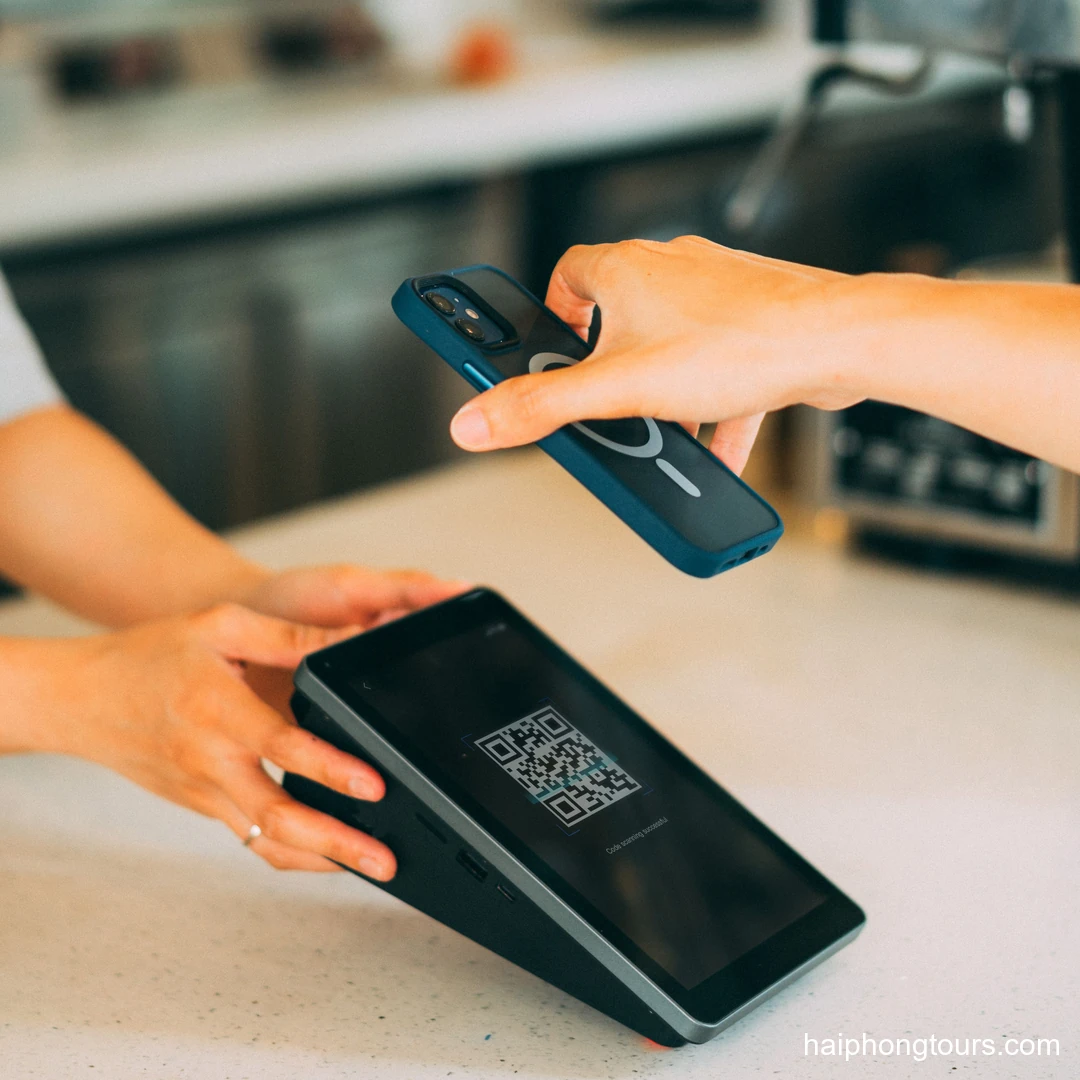
If an agency, hotel or another person bought the ticket, request the complete issued ticket rather than only a payment screenshot or chat summary. Compare it with the booking confirmation, but use the ticket fields for the official lookup.
Read a successful result carefully
A successful lookup supports that the entered record is recognized. Compare the passenger and identity number, train, departure date and time, exact stations, carriage, seat or berth when shown. A result for the wrong traveler or segment is not ready for your trip even if the form returns a match.
Lookup success does not override an identity mismatch, later ticket change or railway instruction. If the seller or railway has sent a replacement after an exchange or schedule adjustment, check the final version and keep that record available offline.
Respond safely when lookup fails
Check the code length, train code, station order, local date and identity number, then try once more with the exact issued fields. Common mistakes include using the return segment, selecting another station in the same city, adding spaces to the identity number or pairing one passenger’s code with another passenger’s document.
A failed lookup is not automatic proof of fraud. Preserve the ticket file, purchase confirmation, payment record and a private image of the failed screen. Contact the issuing seller and the appropriate railway channel before buying a duplicate or going to the station. Do not post the ticket code, complete QR or passport number in a public group, and do not send the full ticket to an unknown verifier.
Use the support channel for the actual problem
Vietnam Railways lists 1900 0109 for northern customer questions and 1900 1520 for southern customer questions, including schedules, fares and ticket rules. It lists 1900 6469 and support1@dsvn.vn for online payment and refund issues. Use the regional customer line for a general ticket-record question and the payment channel when the problem is specifically an online payment or refund transaction.
Tell support the ticket code, journey and issue, but share identity details only through the official process they direct you to use. Ask whether the record is active and what must be corrected before departure. This check does not create a replacement, refund or compensation right.
Finish the check before station travel
Hai Phong Tours recommends treating ticket verification as a document check, separate from planning how you will reach the station. Recheck after any ticket change, store the final ticket offline, charge the phone and carry the matching passport. Verify each direction separately because the train, date and station order can differ.

Leave enough time to reach the exact departure station and resolve a document or record problem before the train. Keep ticket codes private after travel as well, especially when discarding a printed copy or sharing photos from the journey.