Choose a TNGo trip with two possible origin stations and two possible destination stations, then check the live app immediately before departure. A station on the map does not guarantee a usable bicycle at the origin or free return space at the destination. If either end is uncertain, switch station or abandon bike share for another mode.
TNGo currently lists Hanoi as a service city and publishes 24/7 availability, while warning that local operating conditions may differ. The live app and site control actual station, bike, and product availability. Hai Phong Tours does not operate the station network, so use operator information and keep a walking, transit, or road-vehicle fallback.
Plan a station pair, not one pin
Select the preferred origin station in the app and identify another within a walking distance your group can manage. Do the same at the destination. Save all four station references before the ride.
The fallback stations should still serve the real trip. A destination alternative that adds a long walk may not suit luggage, heat, rain, children, or a fixed appointment. Compare the remaining walk before accepting it as backup.
Do not publish or depend on a static station directory. Stations, products, bicycle counts, and return capacity can change. Recheck the live map at departure and near arrival.
Check origin availability immediately before leaving
Open the app before walking to the preferred station. If no suitable bicycle appears, compare the second origin with the time needed to reach it. Set a decision limit so the group does not spend the entire transport window chasing bikes.
At the station, match the bicycle with the app and inspect it before scanning. Look for an obvious problem with the frame, tires, saddle, pedals, brakes, or lock. This is a practical pre-ride check, not a guarantee of mechanical condition.
Do not unlock a bicycle simply to reserve it while reorganizing bags or waiting for companions. A trip starts by scanning the bicycle-lock QR code, so charging and responsibility can begin before the group is ready.
Keep the destination live during the ride
When safe and stopped, check whether the preferred return station remains usable in the app. Do not operate the phone while riding. If another passenger handles navigation, share the station name and fallback.
Return capacity can change while you are traveling. Leave enough time and phone battery to reroute. A short urban ride can become a longer paid trip if the first station cannot accept a return.
Know the walking route from both destination stations to the final hotel, train, appointment, or attraction. The bicycle leg ends only after app-confirmed return, not when you pass the destination.
Inspect before QR unlock
Choose another bike if the first has an obvious defect or cannot be adjusted for safe use. Report the problem through the current app when appropriate. Do not start and hope the issue improves.
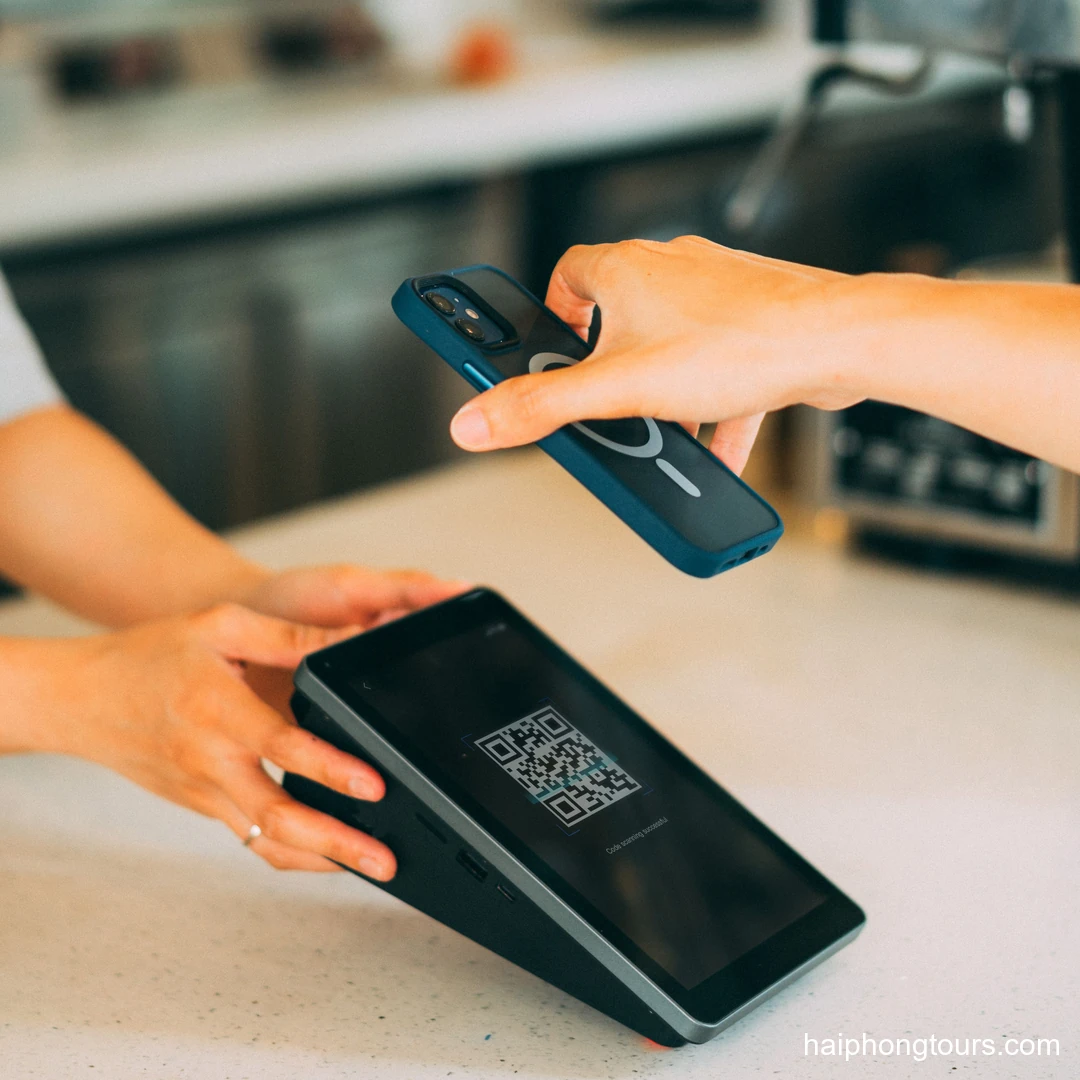
Check that the QR code and lock correspond to the bicycle selected. Keep the phone connected and wait for the app to show the correct ride status. If scanning fails, do not force the lock.
If several riders travel together, inspect and unlock each bicycle separately. The group should not begin until every rider has a working bike and knows the destination stations.
Set a bike-share abandonment point
For a train, reservation, work meeting, or timed attraction, decide how much time you can spend switching origin stations. When that limit is reached, use the fallback mode. Do not let a low-cost rental threaten the essential commitment.
Apply the same rule near the destination. If return capacity is uncertain and the next station would remove the connection buffer, contact support and consider the safest operator-approved resolution. Do not leave the bicycle outside a station.
The published 24/7 availability statement describes the service, not a promise that a specific bicycle or return space exists at every station at every hour.
Prepare for a destination-station failure
If the preferred station is full or unusable, check the live app for the second station and navigate there. Keep the trip active and the bicycle under control until a proper return is completed.
At the alternate station, park neatly, close the physical lock, confirm return in the app, and verify that the trip ended. Temporary locking or ordinary street parking is not a return.
If neither station works, use the in-app problem report or call hotline. Preserve screenshots of the station status and active trip before leaving the location.
Use evidence when the app and station disagree
Record the station name, bicycle identifier, time, app screenshot, and a photo of the station. These details help support understand whether the issue is inventory, lock, return capacity, or trip status.
Do not assume the map is wrong or the physical station is wrong. The two may be out of sync temporarily. Follow the operator’s instruction and keep the bike secured.
If the app still shows an active ride after a physical return, treat that as an end-trip problem. Remain at the station when possible and obtain support confirmation.
Keep a complete alternative mode
A useful fallback connects the same origin and destination without relying on the TNGo account or station network. It may be walking, public transport, or an accepted road vehicle. Know how to start it and how much time to reserve.
Travelers with large luggage, limited mobility, young children, or a very tight deadline should decide whether bike share is appropriate before reaching the station. Availability is only one part of the decision.
Do not top up a large wallet balance merely to solve station scarcity. Money in the account cannot create a bicycle or return space, and deposited points are not described as bank-withdrawable.
Availability checklist
- Choose two origin and two destination stations in the live app.
- Check availability immediately before departure.
- Set a time limit for switching the origin station.
- Inspect the bicycle before scanning the QR code.
- Keep phone battery and data for rerouting and return.
- Recheck the destination only while safely stopped.
- Complete physical lock and app confirmation at a real station.
- Save screenshots and use official support when stations fail.
- Abandon bike share when the fallback is more reliable.
TNGo works best as a flexible option, not a guaranteed vehicle reservation. Live checks, paired stations, an inspected bike, return margin, and a complete fallback turn uncertain inventory into a manageable decision.
Useful guides for your trip
Would a private transfer make this journey easier? Contact us with your travel date, exact pickup and drop-off, number of travelers and bags. Include any flight, train or cruise deadline so we can assess a suitable plan and quotation.